Start where you are.
Import a PDF, Word document, JSON or Markdown. Or paste the plan you already have. Review it before saving.
What can I import? ↗ Traquyour plans, at your pace.GitHub
A quiet space for steady progress
That roadmap in a PDF. The plan in your chat.
Give it a place to live—and one clear day to begin.
FROM “SAVED FOR LATER” TO “DONE”
The real Traqu workspace, on desktop.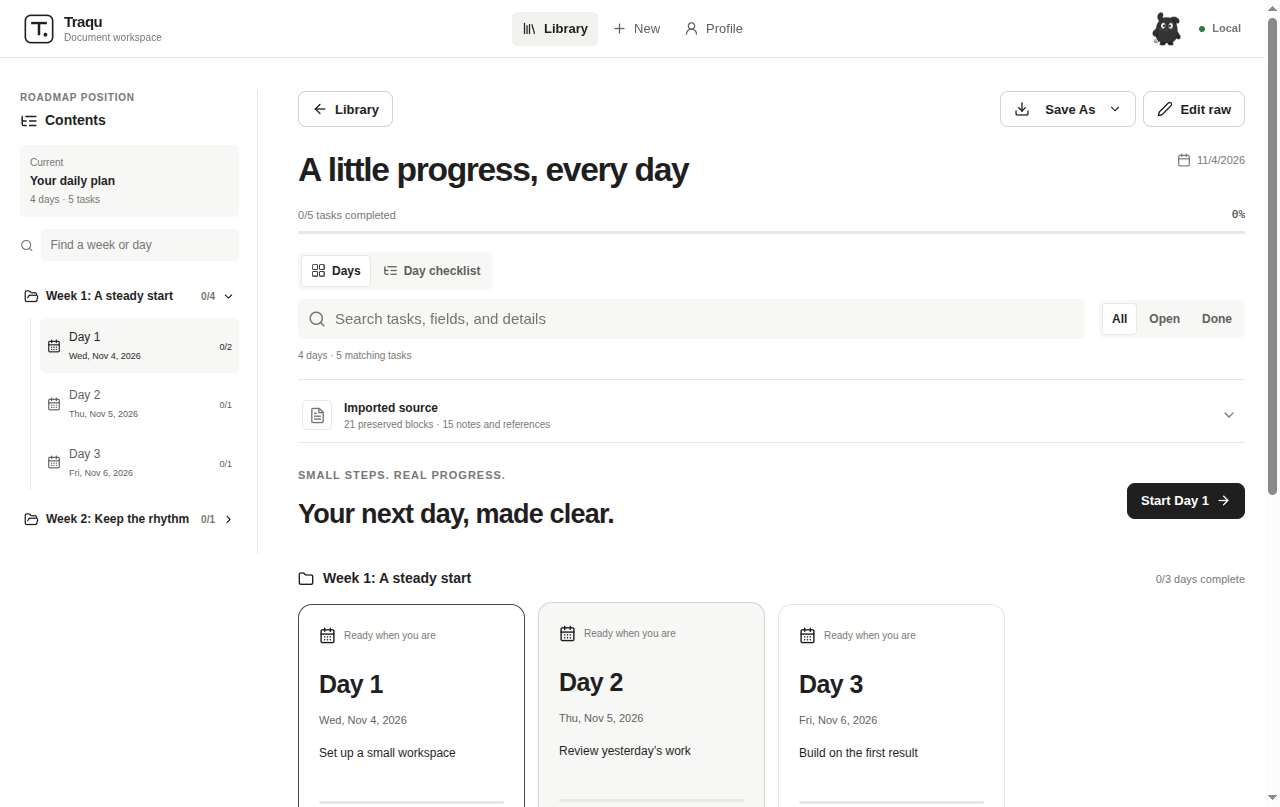
LESS FIGURING OUT. MORE FOLLOWING THROUGH.
Traqu keeps the shape of your plan, the context behind each task, and the progress you’ve made.
Import a PDF, Word document, JSON or Markdown. Or paste the plan you already have. Review it before saving.
What can I import? ↗Open a week, choose a dated day and see its tasks, links and notes. Completed days fade into a record of work done.
Explore daily sessions ↗A real activity calendar, streaks and a snake replay help you look back. Your progress stays on your device.
Make it your own ↗A SMALL TOUR
A glimpse of importing, organizing and working through a plan. No elaborate setup between you and your first checkbox.
Your first five minutes →
YOUR SPACE, AT YOUR PACE
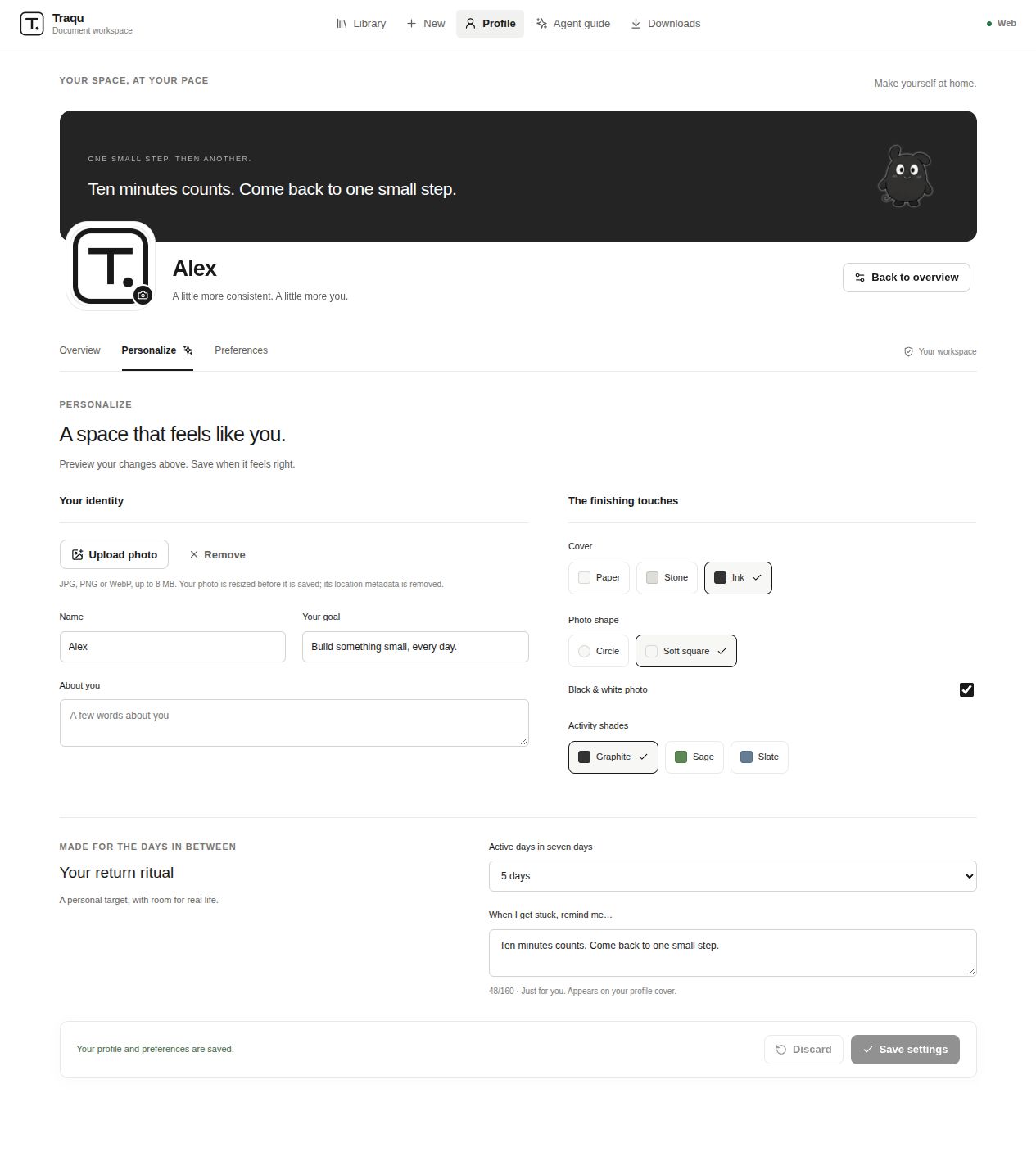
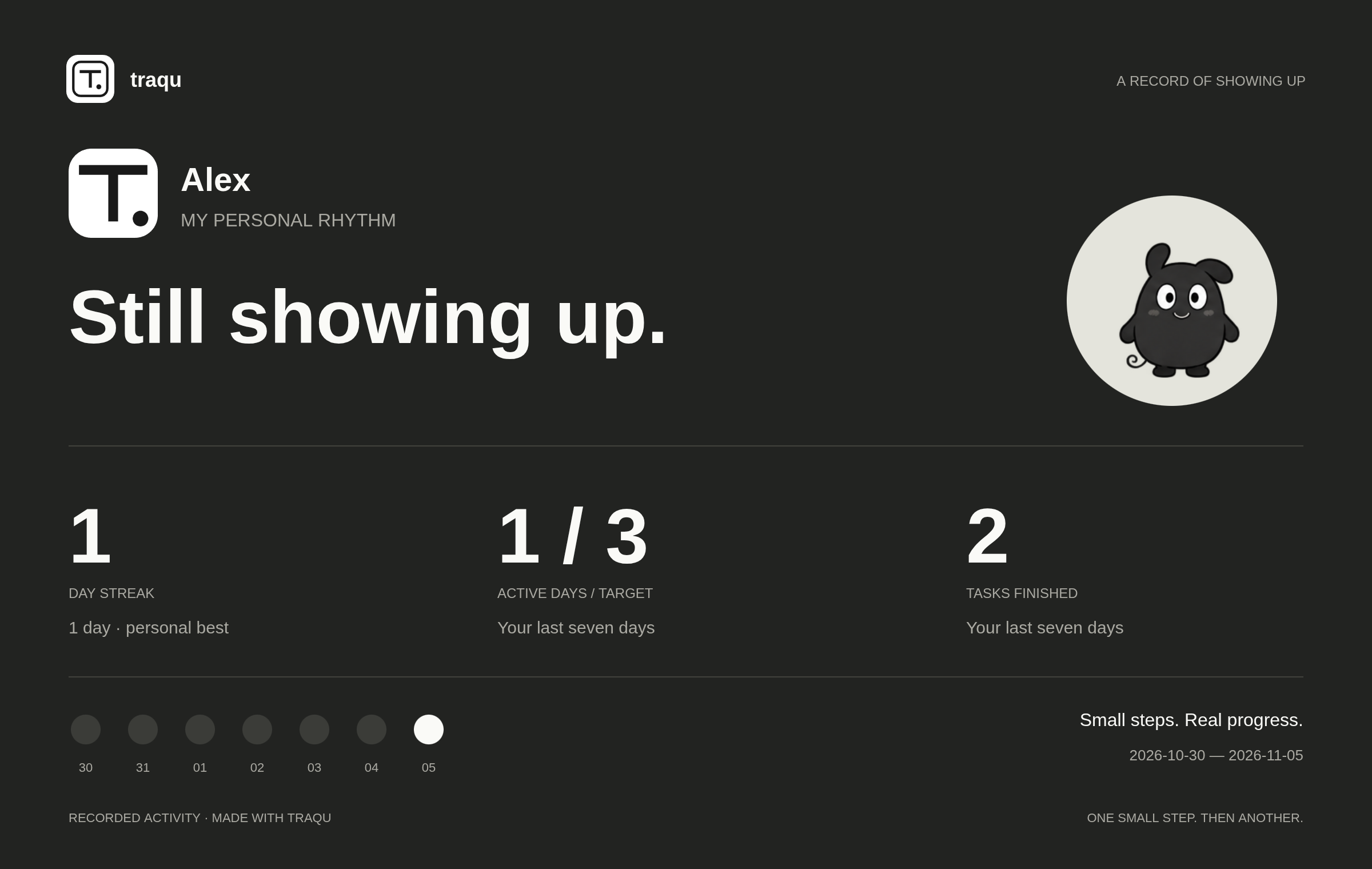
Personalize your photo, cover, activity shades and return ritual. Make a profile card to keep, or send to a friend.
YOU DON’T HAVE TO DO IT ALL TODAY.